How to Optimize Your Google Business Profile in 2026
Your Google Business Profile is often the first thing customers see. Here's how to set it up right and rank higher on Google Maps in 2026.
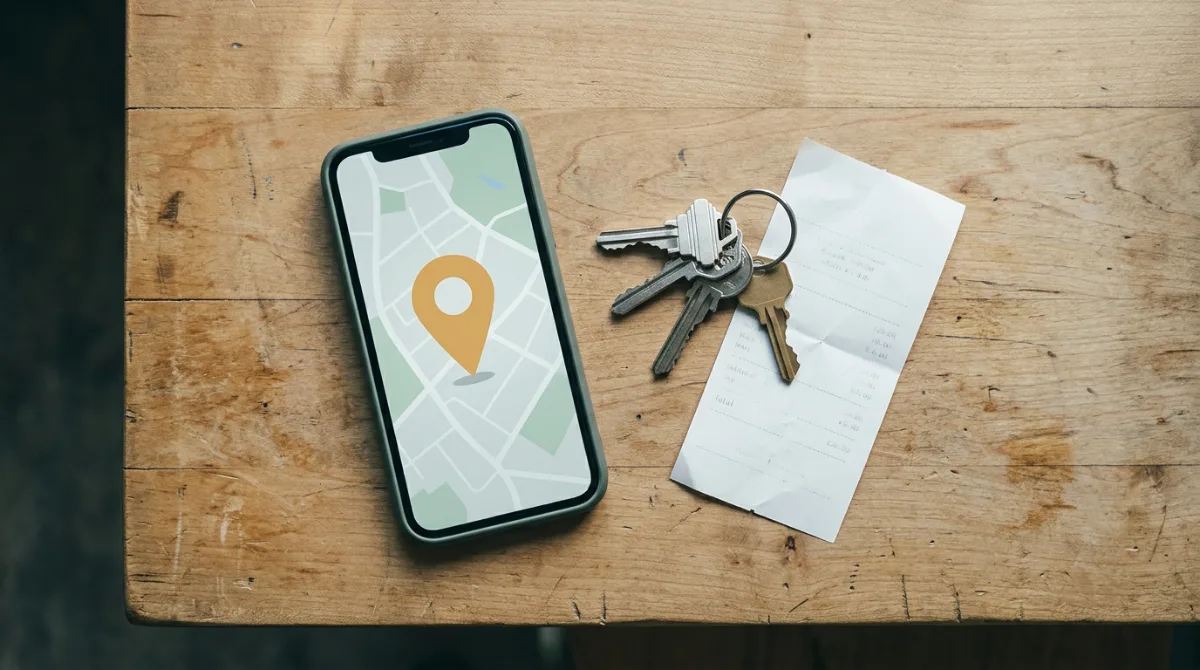
If someone in your town searches for what you do right now, does your business show up? Not just on your website, but on Google Maps, in that little box with your hours, photos, and reviews? If you're not sure, that's worth fixing today. Your Google Business Profile is often the very first thing a potential customer sees, and most small business owners set it up once and never touch it again.
Here's how to optimize your Google Business Profile the right way so you rank higher on Google Maps and actually turn searches into customers.
What Is a Google Business Profile and Why Does It Matter
A Google Business Profile (formerly Google My Business) is your free listing that appears in Google Search and Google Maps when someone looks for businesses like yours nearby. It shows your name, address, phone number, hours, photos, reviews, and more.
According to Google, businesses with complete and accurate profiles are significantly more likely to be considered reputable and to receive direction requests and website visits. For a local business competing against bigger names, this profile is often the most cost-effective piece of marketing you have.
The catch: simply having a profile isn't enough. Incomplete, outdated, or thin profiles get buried. Optimized ones show up at the top.
Step 1: Claim and Verify Your Profile
Before anything else, you need to confirm you own your listing. Go to google.com/business and either claim an existing listing or create a new one. Google will verify your business, usually by sending a postcard to your address with a code, though phone and email verification are available for some business types.
Don't skip this step. An unverified profile has limited visibility, and you can't control the information shown.
Step 2: Fill Out Every Single Field
This sounds obvious, but most business profiles are missing key information. Google rewards completeness. Go through every section:
- Business name: Use your real business name. Do not stuff keywords into it ("Best Plumber Austin TX Drain Cleaning"). Google can suspend your listing for this.
- Category: Choose the most accurate primary category for what you do. This is one of the strongest ranking signals Google uses. Add secondary categories if they apply.
- Address and service area: If you serve customers at their location (plumber, landscaper, cleaner), set a service area instead of or in addition to your address.
- Phone number: Use a local number if possible. Consistency matters: the number here should match the one on your website and in every other directory where you're listed.
- Hours: Keep these current. Nothing frustrates a potential customer more than showing up at a business that Google said was open but is actually closed.
- Website: Link directly to your homepage or a relevant landing page.
- Business description: Write 2 to 3 sentences about what you do, who you serve, and what makes you different. Weave in natural phrases your customers would search for. Keep it readable, not robotic.
- Services and products: Add individual services with descriptions. This gives Google more context about what you do and helps you appear for more specific searches.
- Attributes: These are the checkboxes: woman-owned, veteran-owned, free Wi-Fi, wheelchair accessible, etc. Fill in everything that applies.
Step 3: Add Photos (And Keep Adding Them)
Profiles with photos get significantly more direction requests and website clicks than those without. This is one of the easiest wins you have.
Add at least:
- A clear, well-lit exterior photo so customers can find you
- An interior photo showing your space or work environment
- Photos of your work, products, or services in action
- A headshot or team photo so people know who they're dealing with
Step 4: Get More Reviews (and Respond to All of Them)
Reviews are among the biggest ranking factors in local search. More reviews, a higher average rating, and recent reviews all push your profile up in results.
The most effective way to get more reviews: ask. Right after a job is complete and the customer expresses satisfaction, say something like: "I'd really appreciate it if you left us a Google review. It takes about a minute and helps us a lot." Then send them a direct link to your review page so there's no friction.
Respond to every review, positive and negative. Thank the positive ones briefly and genuinely. For negative reviews, stay calm, acknowledge the concern, and offer to make it right offline. How you respond tells prospective customers as much about your business as the review itself.
Step 5: Use Google Posts to Stay Active
Most business owners have never heard of Google Posts, which means using them gives you an immediate edge. Posts are short updates (like social media posts, but on your Google profile) that appear directly in your listing.
You can post:
- Promotions or seasonal offers
- New services or products
- Events you're hosting or attending
- Quick tips relevant to your industry
Step 6: Keep Your Information Consistent Everywhere
Google cross-references your business information across the web. If your name, address, or phone number appear differently on Yelp, Facebook, your website, and your Google profile, that inconsistency can hurt your ranking.
Do a quick audit: search your business name and check every listing that comes up. Make sure the name, address, and phone number match exactly everywhere. This is called NAP consistency, and it's a foundational piece of local SEO that most small business owners overlook.
Step 7: Help Google's AI Answer Questions About You
Google removed the Q&A section from Business Profiles in late 2025, replacing it with an AI-powered feature called Ask Maps, powered by Gemini. Instead of a manual Q&A thread, Google's AI now generates answers to customer questions on the fly, pulling from your profile information, reviews, photos, and website.
That means you can no longer control the Q&A section directly. What you can control is the information the AI pulls from.
A few things that help Google's AI represent your business accurately:
- Keep your profile description detailed and specific. Mention your services, your service area, and anything customers commonly ask about.
- Add an FAQ page to your website. Write questions the way your customers actually ask them, then answer clearly. This gives the AI accurate, first-party content to pull from when someone searches for your business on Google.
- Keep your services list updated. The more specific and complete your services section, the better the AI understands what you actually offer.
How Long Does It Take to See Results?
Optimizing your profile isn't instant. Expect to see movement in your Google Maps ranking within 4 to 8 weeks of making significant changes, though some improvements may appear sooner. The businesses that rank at the top of local search aren't there by luck. They put in the work on their profile and maintained it consistently over time.
If you want to see exactly where you stand right now, LocalForge offers a free AI audit that shows your current Google Maps ranking, how your business appears in AI-powered search results, and how you compare to your top local competitors. It's a fast way to find out what's working and what needs attention.
The Bottom Line
Your Google Business Profile is free real estate at the top of search results. A complete, active, well-reviewed profile can bring in more customers than most paid ads, especially for a local service business.
Spend an hour this week going through each step above. Then set a calendar reminder to check in once a month: update your hours if needed, add a photo or two, post an update, and respond to any new reviews. That consistency compounds over time, and it puts you ahead of most of your local competition, who set up their profile once and walked away.
Frequently Asked Questions
▸ How do I set up a Google Business Profile for my small business?
Go to google.com/business and sign in with a Google account. Search for your business name to see if a listing already exists, then claim it or create a new one. Google will verify your ownership, usually by mailing a postcard with a code to your business address.
▸ Does a Google Business Profile help with Google Maps rankings?
Yes, directly. Your profile is the primary factor Google uses to determine whether and where your business appears in Google Maps results. A complete, active profile with good reviews ranks significantly higher than an incomplete or inactive one.
▸ How many photos should I have on my Google Business Profile?
Start with at least 10 high-quality photos covering your exterior, interior, work, and team. More is better. Aim to add new photos at least once or twice a month to signal that your profile is active.
▸ How do I get more Google reviews?
Ask your customers directly after a positive experience, and make it easy by sending them a direct link to your review page. Timing matters: ask right after you've delivered good results, not days later when the moment has passed.
▸ What is NAP consistency and why does it matter for local SEO?
NAP stands for name, address, and phone number. If these details appear differently across your website, Google profile, Yelp, Facebook, and other directories, Google may distrust the information and rank you lower. Keeping them identical everywhere is a simple but important ranking factor.
▸ How often should I update my Google Business Profile?
Check your profile at least once a month. Update hours for holidays, respond to new reviews, add fresh photos, and post an update through Google Posts. Regular activity signals to Google that your business is legitimate and engaged.
▸ What happens if I ignore my Google Business Profile?
An ignored profile tends to rank lower, accumulate unanswered reviews (which signal poor service), and display outdated information. Worse, anyone can suggest edits to your profile, meaning your hours, address, or other details can be changed by strangers if you're not watching.