Small Business Website Checklist: 10 Things to Get Right
Is your small business website actually working for you? Use this checklist to find and fix the gaps before they cost you customers.
Most small business owners built their website once, breathed a sigh of relief, and haven't looked at it critically since. Meanwhile, it's quietly turning away customers every day: slow to load, hard to read on a phone, missing basic information, or just not showing up in search at all.
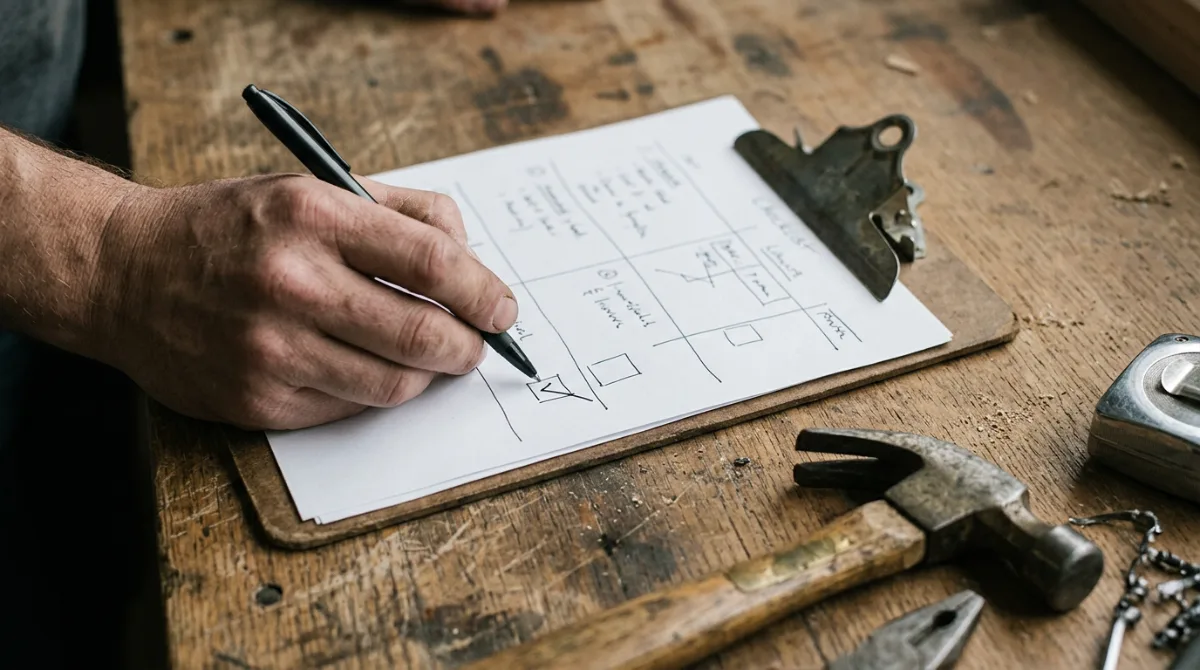
This checklist is for the business owner who wants to make sure their website is actually doing its job. Run through it today and note anything that needs attention. You don't have to fix everything at once, but knowing where the gaps are is the first step.
1. Your Contact Information Is Easy to Find
This sounds obvious, but a surprising number of small business websites bury the phone number in a footer or on a contact page that requires two clicks to reach.
Your phone number, email, and service area should be visible on every page, ideally in the header or near the top of the homepage. On mobile, your phone number should be a tappable link so visitors can call you with one tap.
2. Your Site Loads in Under Three Seconds
Page speed is one of the biggest factors in whether visitors stay or leave. According to Google, the probability of a visitor leaving your site increases by more than 2x if it takes more than 3 seconds to load on mobile.
Test your site speed at PageSpeed Insights. If you're scoring below 50 on mobile, it's worth addressing. Common causes include oversized images, too many plugins, or a slow hosting provider.
3. It Works on a Phone
Pull up your website on your smartphone right now. Can you read it without zooming in? Are the buttons large enough to tap? Does it require horizontal scrolling?
More than half of all web searches are done on mobile devices. If your site is hard to use on a phone, you're losing a significant portion of your potential customers before they ever read a word about your business.
4. Your Homepage Answers Three Questions Immediately
A visitor should know within 10 seconds: what you do, where you do it, and how to contact you. If your homepage can't answer those three things at a glance, that's your most urgent fix.
Remove anything that doesn't serve those three answers. A headline that names your service and location, a clear subheading or intro sentence, and a phone number or contact button above the fold is all you need to start.
5. You Have a Page for Each Service You Offer
A single "Services" page that lists everything in a few bullet points is not enough. Google and your potential customers both benefit from individual pages for each service you offer, written in plain language.
A plumber who creates separate pages for drain cleaning, water heater installation, and emergency repairs will rank for more search terms than one who lists all three in a single paragraph. It also makes it easier for customers to find exactly what they need.
6. Your About Page Sounds Like a Real Person
Your About page is often the second or third page a visitor reads, and it's where they decide whether to trust you. A generic paragraph about "dedication to excellence" won't do it.
Write your About page like you're explaining your business to a neighbor. Who are you, why did you start this business, who do you serve, and what do you care about? Be specific. Be human. A photo of you (or your team) would be enormously helpful.
7. You Have Real Photos
Stock photos are immediately recognizable, and they undermine trust. Real photos of your work, your space, your team, or your products signal authenticity in a way that stock images never can.
You don't need a professional photographer. A few well-lit photos taken on a modern smartphone, of a completed job, your truck, your storefront, or you in action, will outperform any stock image library every time.
8. Your Name, Address, and Phone Number Match Your Google Listing
Google cross-references the contact information on your website against your Google Business Profile and other directories. If they don't match exactly, it creates a trust signal problem that can quietly hurt your search rankings.
Check that your business name, address, and phone number are identical across your website, Google Business Profile, Yelp, Facebook, and any other listings. Even small differences, like "St." vs. "Street," can matter.
9. You Have Customer Reviews or Testimonials on the Site
Potential customers want to know that others have hired you and were happy. Display your best Google reviews or testimonials on your homepage and service pages. This builds trust with visitors and reinforces the social proof that search engines are picking up from other sources.
If you don't have many reviews yet, make it a priority to ask your next five satisfied customers. A direct link to your Google review page makes it easy.
10. Google Can Actually Find Your Site
If you haven't verified your site with Google Search Console, you may not know whether Google is indexing your pages at all. It's a free tool that shows you which pages are being found, which aren't, and what errors might be holding you back.
Sign up at search.google.com/search-console and verify your site. It takes about 10 minutes and gives you visibility into how Google sees your business online.
For a broader view of how your entire local presence is performing, LocalForge offers a free AI audit that covers your Google Maps ranking, how you appear in AI search tools, and a comparison with your top local competitors.
Work Through It One Item at a Time
You don't have to fix all ten of these today. Pick the two or three that feel most urgent based on what you saw when you checked your site, and work through the list over the next few weeks. A website that improves gradually and consistently will do more for your business than a perfect one you're still planning.
Frequently Asked Questions
▸ What should every small business website include?
At minimum: your business name and what you do, your location and service area, a phone number or contact method visible on every page, a page for each main service, an About page, real photos, and customer reviews or testimonials. These basics cover the majority of what visitors need to trust and contact you.
▸ How do I know if my small business website is working?
Start with Google Search Console (free) to see which pages are being found and which have errors. Check your site speed with PageSpeed Insights. Then pull up your site on your own phone and see if you'd hire yourself based on what you see. If the answer is no, you know where to start.
▸ How important is mobile optimization for a small business website?
Very important. More than half of all searches happen on mobile, and Google uses mobile performance as a ranking factor. If your site is hard to use on a phone, you're losing customers and ranking points at the same time.
▸ Do I need a separate page for each service I offer?
Yes. Individual service pages help Google understand what you offer and allow you to rank for more specific search terms. They also make it easier for customers to find exactly what they need without having to hunt through a long list.
▸ How do I check if Google can find my website?
Set up a free account at Google Search Console and verify your site. It shows you which pages are indexed, any crawl errors, and basic search performance data. It takes about 10 minutes to set up.
▸ What is NAP consistency and why does it matter for my website?
NAP stands for name, address, and phone number. Google compares your website's contact details against your Google Business Profile and other online directories. Inconsistencies can hurt your local search ranking. Make sure these details are identical everywhere they appear online.